First Steps
Your backend, quickly explained.
Congratulations! PlaCeMS is installed and ready to go. In this chapter you'll get to know the most important areas of the system. Within just a few minutes, you'll be moving confidently through the backend and managing your first content.
Login
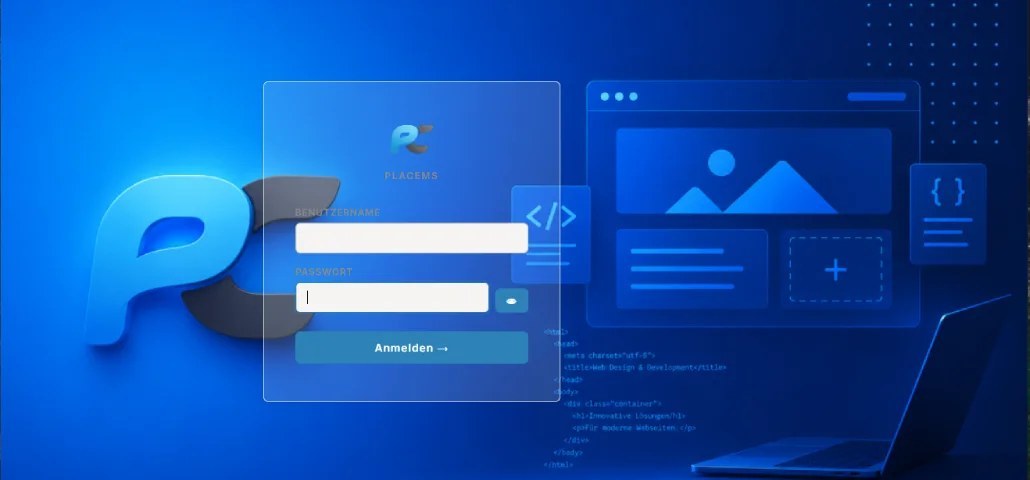 Once installation is complete, you can access the backend via your administrator address.
Log in with your username and password. From there, you're taken straight to the dashboard, the central starting point for managing your website.
Login credentials are stored encrypted and can be changed at any time through the system settings.
Dashboard
The dashboard gives you a quick overview of your website's current state. Here you'll find, among other things:
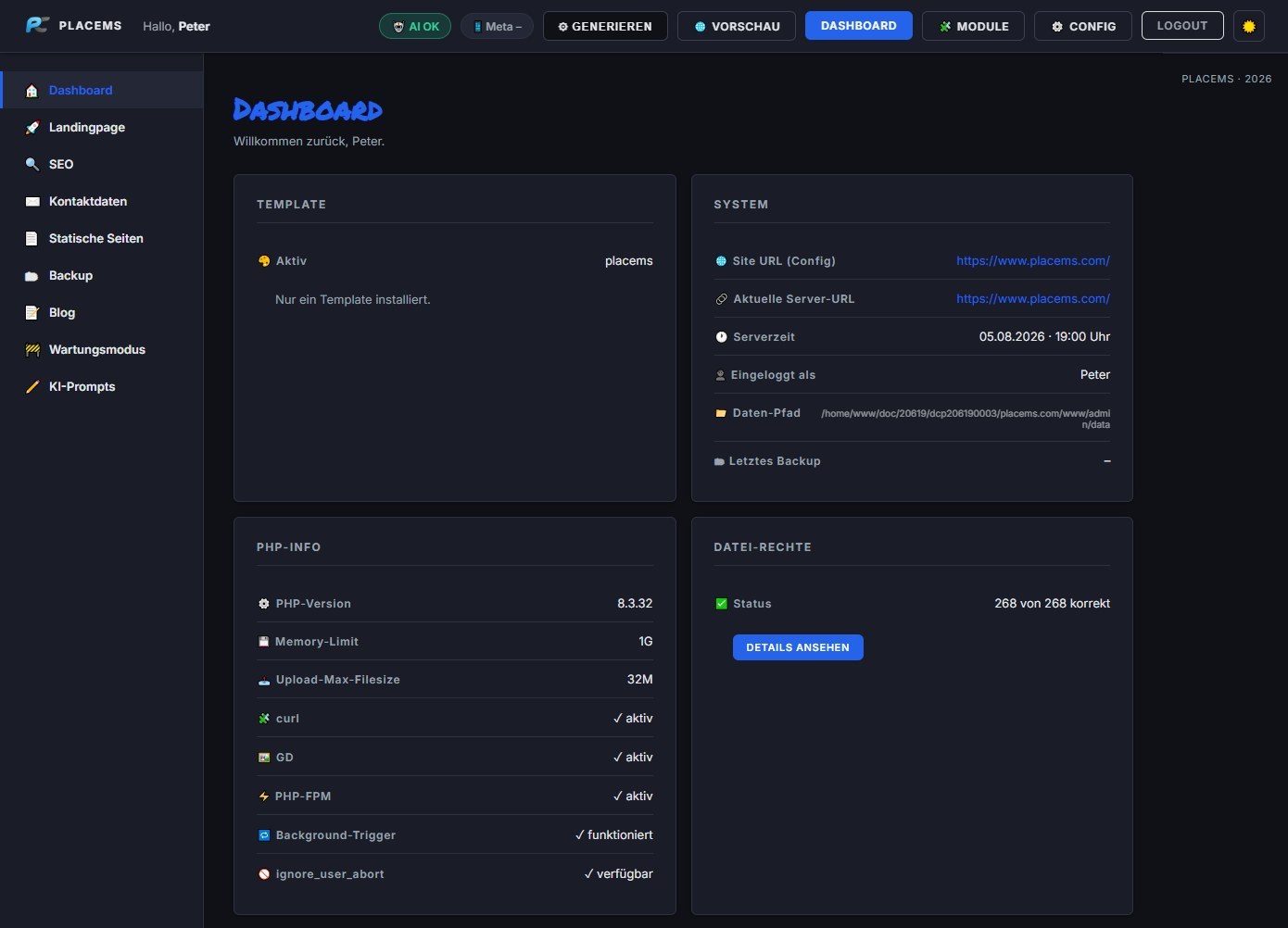
- Active template
- Server and system information
- PHP version and available extensions
- Memory limit
- File permissions
- Installed modules
- Backup status
- Server time
- Current user
The dashboard acts as your control center, alerting you right away to any potential issues or opportunities for optimization.
Especially handy: PlaCeMS automatically checks important system requirements like file permissions, PHP extensions, and server configuration. So you can see at a glance whether your system is set up optimally.
Navigation

The navigation is deliberately kept simple and clear.
On the left side is the main navigation, showing all installed areas of your website. Depending on which modules are installed, you might see menu items such as: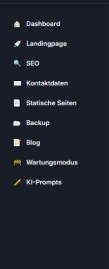
- Dashboard
- Landing Page
- SEO
- Contact Details
- Static Pages
- Blog
- Gallery
- Backup
- Maintenance Mode
- AI Prompts
- Newsletter
- User Management
- Shop
Modules that aren't installed simply don't show up in the navigation, so the backend stays clear at all times.
At the top, you'll find the quick navigation with direct access to key functions like:
- Preview
- Modules
- Configuration
- Generate
- Logout
Modules
The heart of PlaCeMS is its modular system. Instead of shipping every feature with the core system, you install only the modules your project actually needs.
Through the Module Manager, you can:
- install new modules
- activate or deactivate modules
- check versions
- view module information
- import signed ZIP modules
This keeps PlaCeMS lean, fast, and easy to maintain. New modules can be added at any time later on, without ever needing to modify the core system.
Settings
Under Configuration, you manage all the central settings for your website, for example:
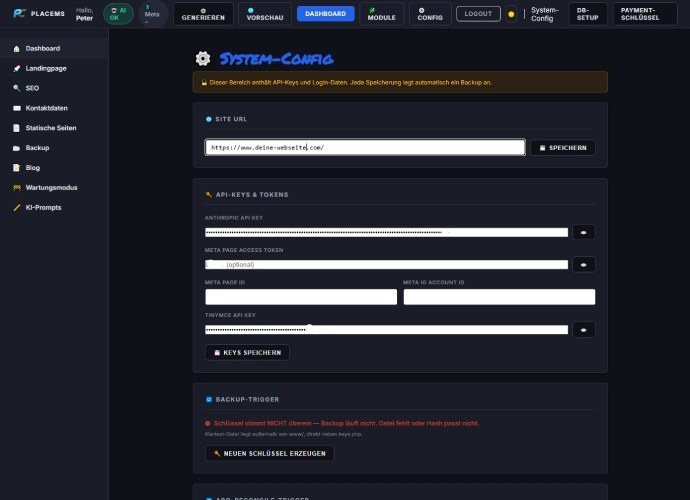
- Website URL
- API keys
- Credentials for external services
- Backup configuration
- Trigger keys
- Database settings (optional)
- Payment keys
- System settings
Particularly sensitive data is stored encrypted. For security-relevant changes, PlaCeMS also automatically creates a backup of the configuration.
💡 Tip
You don't have to set everything up at once. PlaCeMS is designed so you can start with the core system and add new modules whenever you need them later on. Your website grows with your needs, true to the motto:
Simple. Modular. Powerful.